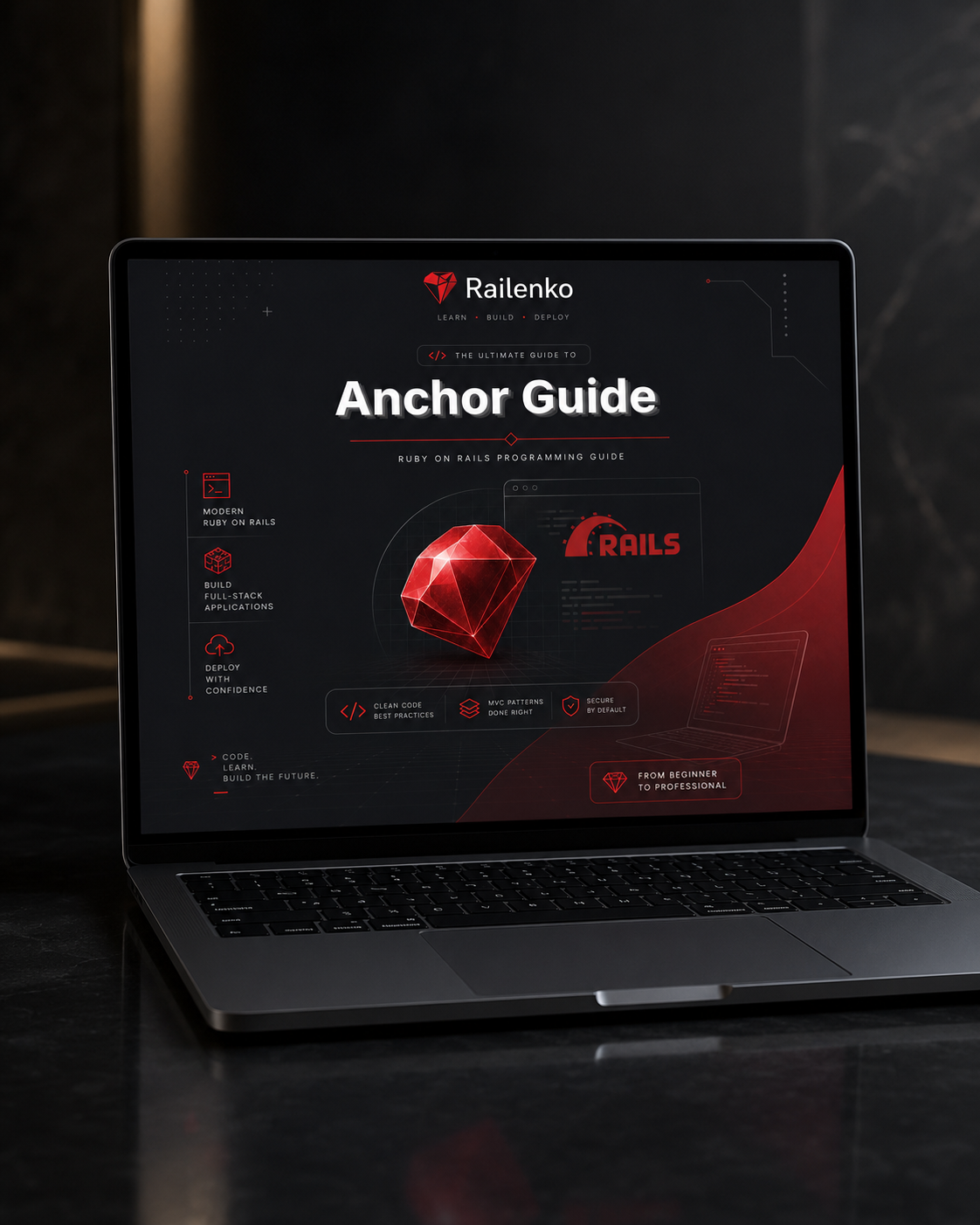
Railenko
Anchor Guide
Anchor Guide
Couldn't load pickup availability
- 📁 Digital file available after purchase
- ♾️ Long-term availability
- 🔒 Secure checkout
- 🗓️ Content updated in 2026
Self-paced learning overview
1. Problem Statement
As learners move deeper into Ruby in Rail programming, they may begin to understand many separate ideas but still need a stable way to return to the core structure. A project can contain routes, controller actions, views, data examples, naming patterns, methods, page sections, and review tasks. When all of these appear together, it can become difficult to know where to begin reading or how to check whether a code section is arranged well. Learners may also feel that they understand a topic during one module, but lose that understanding when the same topic appears in a larger example. Anchor Guide was created for learners who need a grounded reference point for reading, organizing, and reviewing project work.
2. Solution
Anchor Guide gives learners a structured reference system for Ruby in Rail programming practice. The course brings earlier topics together and shows how to return to the central ideas when a project example becomes more detailed. Each section is built around an anchor concept: project flow, data flow, page structure, naming, code separation, and review. These concepts help learners pause, identify the role of each file, and continue with a clearer view of the project. The course is designed to help learners study connected examples without feeling pulled in too many directions at once.
3. What’s Inside
Anchor Guide includes a detailed set of learning materials focused on orientation, review, and project grounding. The course begins with an anchor map that shows how the main parts of a Ruby in Rail programming project relate to one another. This map includes routes, controller actions, prepared values, views, page sections, methods, and review points. Learners use the map as a reference while working through the course, returning to it whenever a topic becomes more complex.
The first main section focuses on project flow. Learners review how a request can move through a learning project, how a route can point to a controller action, how that action can prepare information, and how a view can display the result. This topic may have appeared in earlier tariffs, but Anchor Guide studies it with more attention to orientation. Learners are not only shown what happens; they are also asked to explain where they are inside the project and why that file matters.
The next section focuses on data flow. Learners study how values are created, named, passed, changed, grouped, and displayed. Examples include single values, lists, grouped information, and small data collections for practice. The course explains how to follow a value from its starting point to its final display in a page section. Learners practice identifying where data begins, where it is prepared, and how it appears inside the view.
A separate section is dedicated to page structure. Learners review how a page can be divided into meaningful sections with headings, labels, repeated blocks, and dynamic values. The focus is on readability and organization. The course shows examples of pages that contain too many ideas in one area, then compares them with versions where sections are separated more clearly. Learners practice describing what each section does and how it connects with the project logic.
Anchor Guide also includes a naming anchor. This part explains how names act as small signs inside the project. File names, route names, method names, and variable names can help learners understand the purpose of a code section. The course includes practical comparisons between vague names and more descriptive alternatives. Learners practice renaming small examples and explaining how the updated names make the code easier to follow.
Another key part of the course is code separation. Learners study examples where too many tasks are placed in one code block. The course shows how to divide these examples into smaller sections, methods, or view parts. This does not introduce heavy architecture. Instead, it stays close to practical learning examples and shows how small changes can make code more readable. Learners practice spotting repeated code, mixed responsibilities, and sections that would benefit from better organization.
Anchor Guide includes review routines for each module. These routines are written as practical questions. For project flow, learners ask: Where does the request begin? What file handles the next step? Where is the page prepared? For data flow, they ask: What value am I following? Where is it named? Where does it appear? For page structure, they ask: What does this section show? Is the section focused on one purpose? These review questions help learners return to the anchor concept instead of feeling lost in details.
The course also includes guided reading exercises. Each exercise gives learners a small connected project example and asks them to move through it in a set order. They begin with the route, continue to the controller action, follow the prepared value, read the view, and then review the page section. This repeated path helps learners build a stable reading habit.
A dedicated part of Anchor Guide focuses on comparison. Learners see two versions of a small project section. One version may include unclear names, repeated logic, or a crowded page area. The other version may show better separation and more descriptive wording. The course explains the differences and asks learners to describe what changed. This supports practical judgment without relying on exaggerated claims.
Anchor Guide also includes note templates for study. These templates let learners write short observations about the project flow, data movement, naming, and page structure. The goal is to make learning more active through written reflection. Instead of only reading code, learners describe what they notice and keep a simple record of their understanding.
The course includes practical tasks where learners apply the anchor concepts. Tasks may include tracing a value, renaming a method, separating a page section, comparing two examples, organizing a small list, or writing a short explanation of a project flow. Each task is connected to one main concept, but the course also shows how that concept relates to the wider project.
By the end of Anchor Guide, learners should have a more stable way to return to the main ideas of Ruby in Rail programming. The course does not make broad promises about personal outcomes. It offers structured materials for learners who want a grounded method for reading, reviewing, and organizing project examples.
4. Who Is This For?
Anchor Guide is for learners who have already studied several Ruby in Rail programming topics and now want a stronger reference point for connecting them. It is suitable for students who understand basic project parts but still need help returning to the main structure when examples become more detailed.
This tariff is also made for learners who value organization, review, and written study notes. It fits people who want to slow down, read project examples carefully, and understand how each part contributes to the whole learning example.
Anchor Guide can also support learners who are preparing to move into broader Railenko collections. It gives them a practical method for checking project flow, data movement, naming, page structure, and code separation before studying more layered material.
5. What You’ll Learn
- How to use project flow as a reference point
- How routes, controller actions, and views connect in a learning project
- How to follow data from preparation to display
- How to organize page sections with clearer purpose
- How names help explain the role of files, methods, and values
- How to compare vague names with more descriptive alternatives
- How to spot repeated code in small examples
- How to separate crowded code sections into smaller parts
- How to use review questions while studying
- How to read connected project examples in a steady order
- How to write study notes about code structure
- How to compare two versions of a project section
- How to prepare for broader Railenko course collections with stronger orientation habits
6. Refund Note
Railenko includes a 30-day refund window for Anchor Guide. If the course materials do not match your learning needs, you may submit a refund request within 30 days of purchase according to the store policy.
Do I need previous coding knowledge?
Do I need previous coding knowledge?
Some tariffs are designed for early learners, while others go deeper into project structure, logic, and code organization. Each tariff description explains who it is made for.
What is included in each Railenko tariff?
What is included in each Railenko tariff?
Each tariff includes learning materials built around Ruby in Rail programming, with written modules, code examples, practice tasks, and structured explanations.
Share